▦
Screen split & video walls
Create multiple display zones per screen, adjust positions, run full screen layouts and reproduce video walls by combining multiple displays.
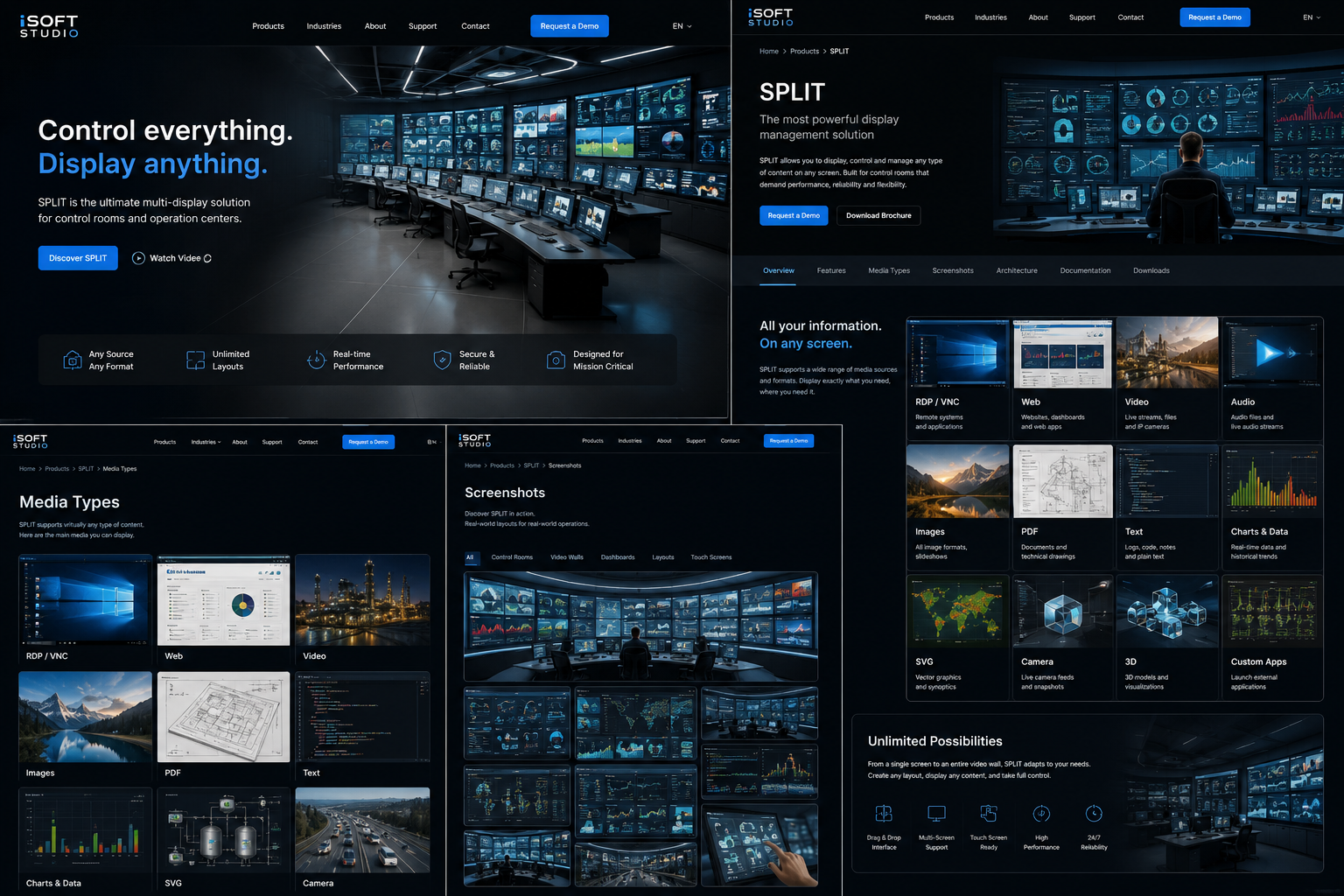
SPLIT helps operators organize, display and control multiple information sources across wall screens, operator stations, touch devices and kiosk systems.
Create multiple display zones per screen, adjust positions, run full screen layouts and reproduce video walls by combining multiple displays.
Save user profiles, shared templates, media assignments, window colors and switch layouts in a few clicks without restarting.
Restrict editing, closing, sensitive parameters and content access. Suitable for locked displays, public terminals and critical rooms.
Use Windows users, groups and application-level rights to control who can connect, edit, deploy or administer SPLIT.
Deploy profiles, settings, media, licenses and upgrade packages to client devices with buffered transfers when a client is unavailable.
Collect version, license state, connected user, active profile and startup time for a consolidated view of the display fleet.
SPLIT supports a wide range of professional media sources, so you can display exactly the right content on every screen.
 RDP / VNCRemote systems and servers.
 WebDashboards and web applications.
 VideoLocal files and camera feeds.
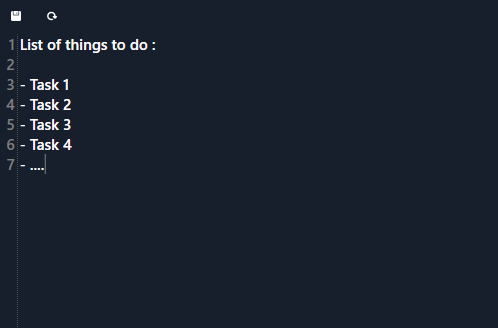 TextNotes, logs and operational instructions.
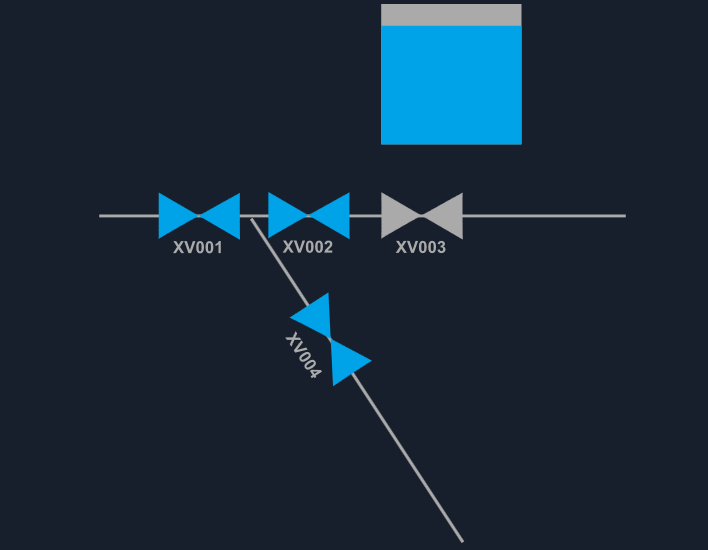 SVGSynoptics and animated graphics.
Switch between a live synoptic, a multi-screen video wall and the media library to explore how SPLIT organizes operational content. Contact us for a full guided demonstration.
Animated tank, valve and status area for operational dashboards.